Fun Slides in the Countryside
あいにく, このページは英語にだけ使用可能です。
In this tutorial we will show you how to generate an HDR-image from a series of shots taken with different exposure settings.
Original shots:
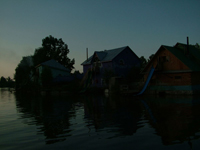 |
 | 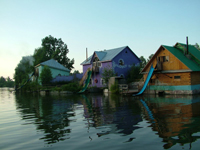 |
 |
 |  |
Result:
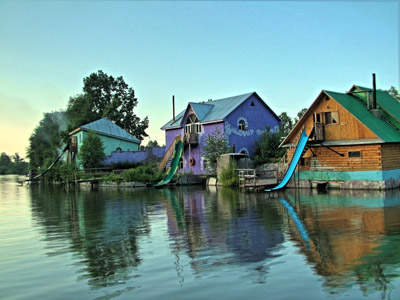
Step 1. Launch the standalone application AKVIS Enhancer.
- Step 2. Open a series of shots: click the button
 on the Control Panel of AKVIS Enhancer and select the required files in the dialog box.
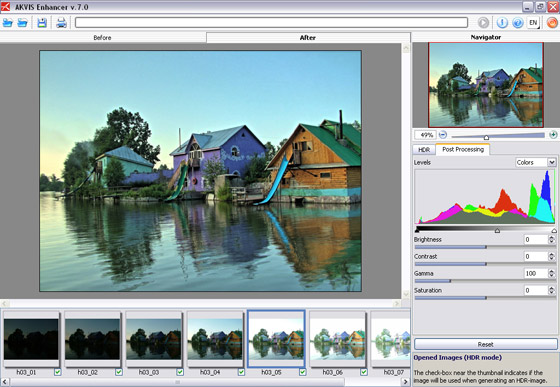
You will get an HDR-image generated at default parameters (with the AKVIS Default preset). The result will be shown in the After-tab.
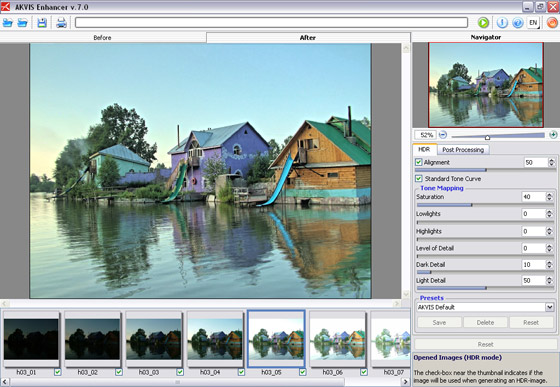
- Step 3. Now switch to the Post Processing tab. Increase the image contrast by moving the gray point to the right.
- Step 4. Save the result by clicking on
 on the Control Panel and indicate the folder in the Save as dialog box.
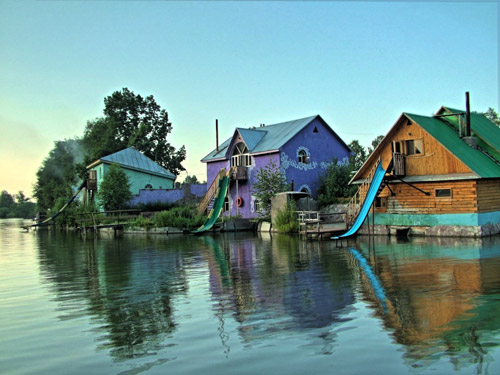
The photo is ready. You can continue editing, if you like.
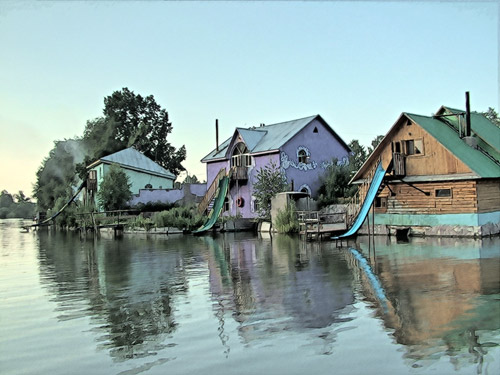
For example, turn the photo into a watercolor drawing using AKVIS Sketch,
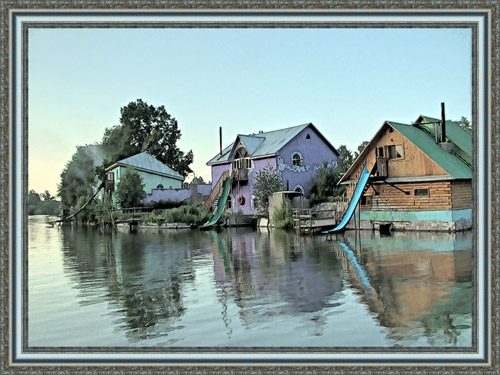
or add a photo frame to the image using AKVIS ArtSuite.
Enhancer v. 17.8 - 10日間の評価期間
